LabChure
Digital brochure
Put your material in, describe it, and a website comes out. Once you send the link, you can see who opened and read it, and what they asked.
What it does
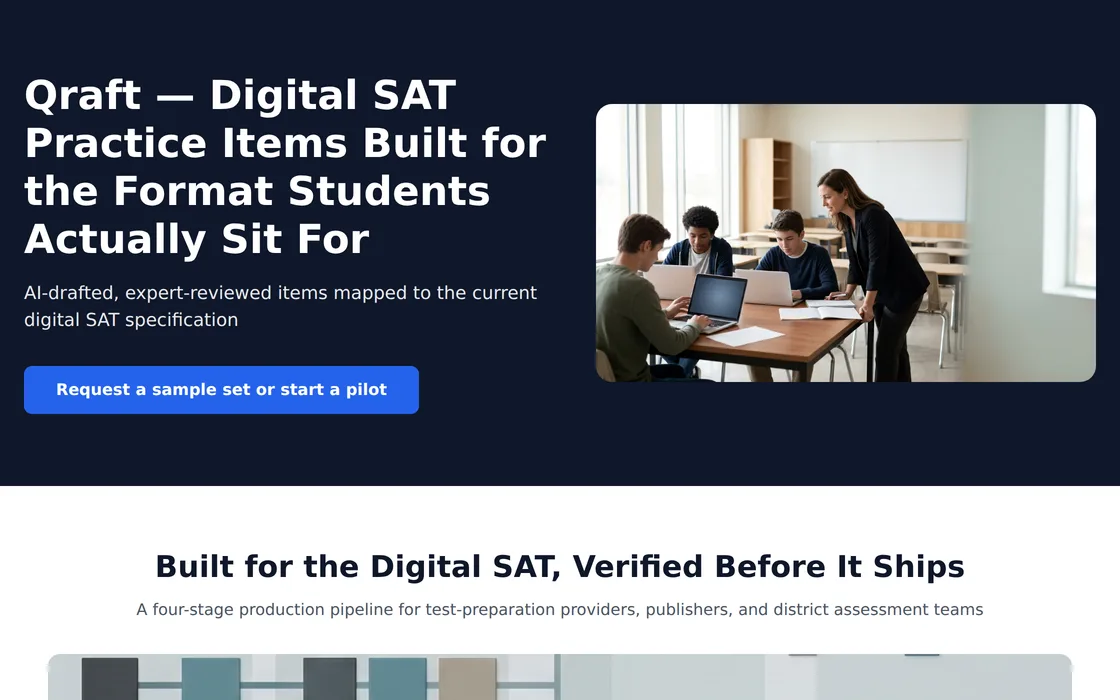
Upload your material and press Create link. The AI reads it, builds a website and gives you the link. The product photos in your file go in as they are.
The link you send tells you who opened it, and the questions buyers leave are kept in one place.
You can sign up now and try it with your own material. It is free to start; per-recipient links and the inquiry form come with paid plans. For a rollout, get in touch.
How it works
From material to inquiry
All you do is upload your material and send the link.
Upload the material
PDF, PowerPoint, Word, Excel and images, in the format you already have.
The link comes out
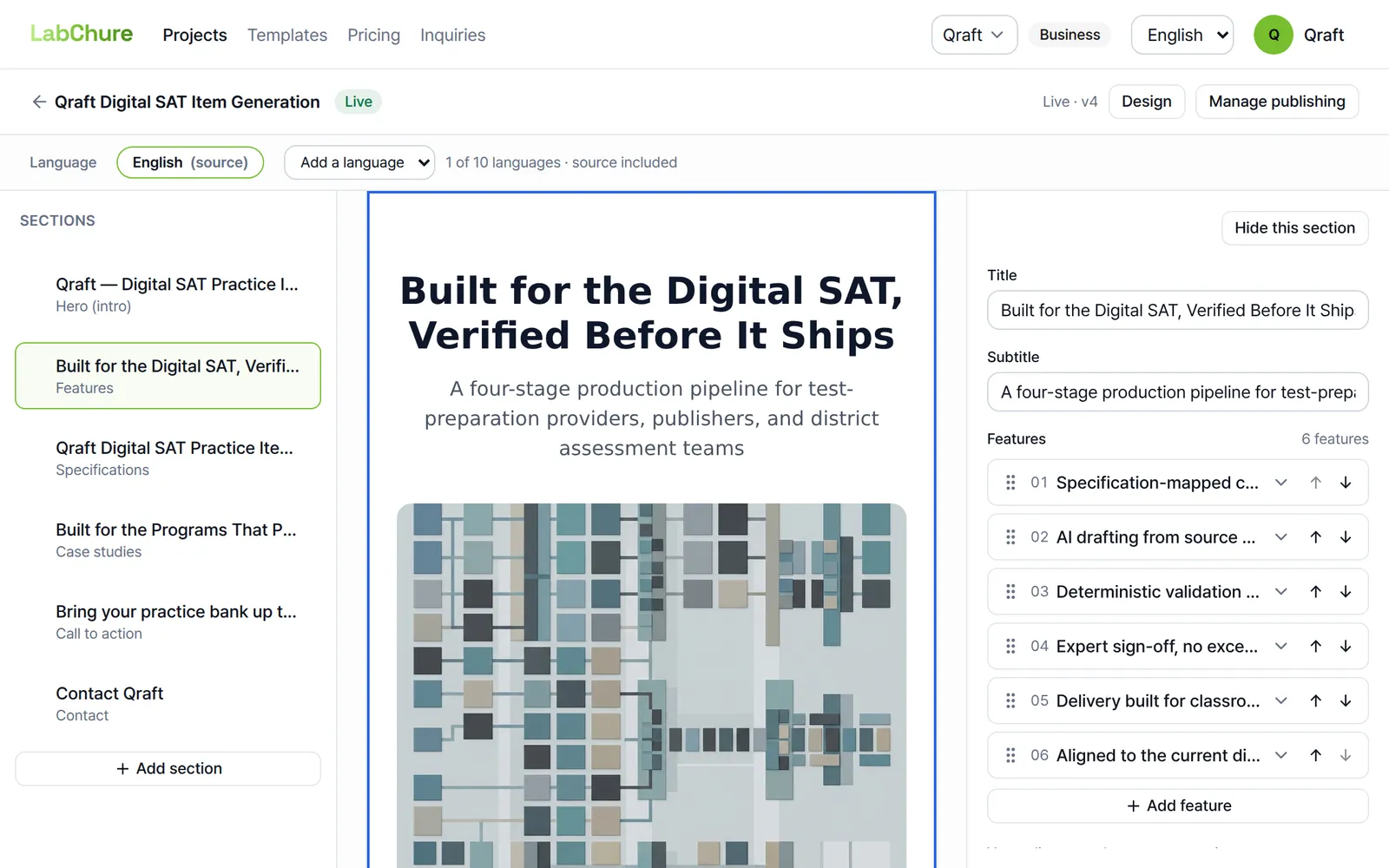
The AI reads the material, fills in the intro, features, specs, cases and contact sections, and publishes the page. You can add other languages too.
Send the link
Send it by email or chat. A QR code comes with it, ready for a booth panel or a quote.
The result
What comes out
Per-recipient links
Make a named link for each buyer. You get an email the first time they open it, and see how long they read and which sections they stayed on.
Inquiries
Questions sent through the form on the page are kept, and each one is emailed to you as it arrives.
Edits go live
When a spec changes, edit it on screen. The public page updates about a minute later, and the link you sent stays the same.
Numbers checked
Every number the AI writes is checked against your material. A number that is not in the material is flagged before you publish.
Curious about the products? Get in touch
We also take demo requests and partnership inquiries.