Vi3w
WebAR
A 3D and AR viewer that opens straight in a web browser.
What it does
Upload a 3D model and you get a link. Whoever receives it turns the model around right in the browser.
Open it on a phone and the camera starts, placing the model in the real room. It can stand on a detected floor, appear over a printed marker or poster, or show up only when you reach a given location.
The person receiving it has nothing to prepare. A web browser is all it takes.
Features
What opens right now
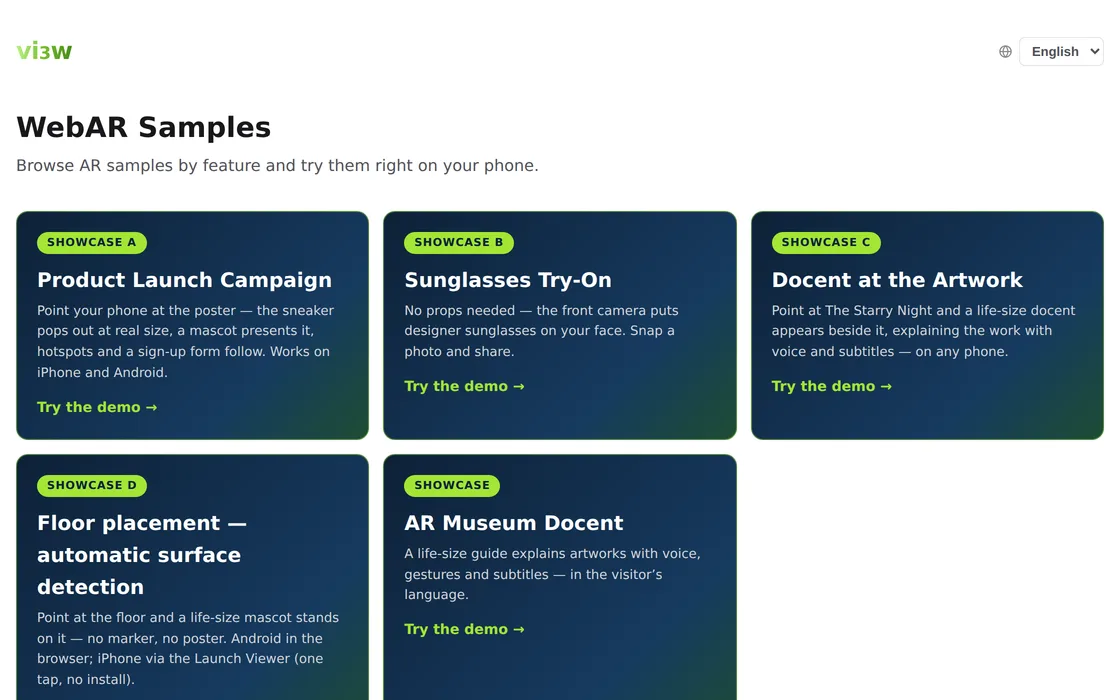
Tap any card below and the real sample opens. The AR features use the camera on a phone.
Museum AR docent
Point your camera at the floor and a life-size guide stands right there, explaining the artwork with gestures, voice and subtitles.
Try it →Try it where you can see the floor. On iPhone, it won't open on accounts under 13 or with Ask to Buy turned on.
3D viewer
Turn a model around in the browser.
Open →Plane detection
Finds the floor or a desk and stands it there.
Open →Marker
Point at a printed marker and it appears.
Open →Image tracking
Recognizes images like posters and covers.
Open →Face tracking
Follows the face as it moves.
Open →Location AR
Appears when you reach the place.
Open →World (SLAM)
Maps the space and leaves things where you put them.
Coming soon →Every sample lives on ar.vi3w.net. Open the sample gallery →
How it works
One link and you are done
That is the difference from an installed 3D viewer.
Upload the 3D file
The model you already have, as it is.
Send the QR code or the link
Messenger or email, either is fine.
It opens in the browser
They just scan it or tap it.
Requirements
A browser is enough
There is no separate device to buy.
- Desktop
- Tablet
- Phone
Which devices are supported?
It runs in a browser. Is it slow?
Can we use our own 3D files?
Which devices support AR?
Curious about the products? Get in touch
We also take demo requests and partnership inquiries.